









Could not update results. Please try again.
Number of universities featured on the portal:168
Number of universities featured on the portal:168
Nothing found, try changing the query
How to apply to a Russian university
Choose your level of education
International applicants can enroll in bachelor’s, specialist, master’s, postgraduate, residency, and assistantship-internship programs.
Language of instruction
At most Russian universities, international students study in Russian. Some universities also offer programs taught in English.
To learn Russian and prepare for university admission, international applicants can take Russian language courses or study at a university’s preparatory faculty.
Explore your admission options
Choose a university and field of study
- Browse the list of universities
- Choose a field of study from the
- Choose a promising field of study
- Some universities offer dual-degree programs
Prepare your documents
As a rule, you will need the following documents to apply. Check the exact list on the website of the university you plan to apply to.
- Passport
- Education certificate or diploma
- Documents confirming eligibility for tuition-free study
- Russian language test certificate (if available)
- Documents confirming individual achievements (if applicable)
- Preparatory faculty completion certificate (if available)
- 3 × 4 cm photograph
Submit your application
Ways to apply
- ruID app
- “Apply to University Online” super service on Gosuslugi
- University electronic information system
- By post — send the documents to the university by registered mail
- In person — bring the documents to the admissions office of your chosen university
Entrance examinations
You must complete entrance examinations when applying to a university.
Unified State Exam (EGE) results may be submitted as entrance examination results. EGE results from the previous five years are accepted, except for basic-level mathematics.
If you do not have valid EGE results in the required subjects, you can take entrance examinations administered by the university. Check the dates, subjects, and format with your chosen university in advance.
For citizens of the Republic of Belarus
If you do not have EGE results in the relevant subjects, you may use Centralized Testing (CT) or Centralized Exam (CE) results. CT and CE results are valid for two years.
Track the competitive lists and submit your enrollment consent
For tuition-free admission:
- Rank your preferred study programs.
- Choose a university.
- Submit your enrollment consent.
Enrollment consent is required specifically for tuition-free admission. You can submit it through the ruID app, the “Apply to University Online” super service, in person at the university, or by registered mail. Submit your consent to a university where your ranking is safely within the admission threshold. Do not wait until the last day.
For tuition-paid admission, signing an agreement with the university is the key final step instead of submitting enrollment consent.
Enrollment consent deadlines
Tuition-paid study (all education levels): according to the university’s admission rules.
Tuition-free study:
- bachelor’s and specialist programs: 5 August, 12:00 Moscow time — enrollment consent deadline;
- master’s programs: 24 August, 12:00 Moscow time — enrollment consent deadline.
Enrollment
Enrollment information is provided according to how you submitted your documents:
- If you applied through the ruID app or the “Apply to University Online” super service on Gosuslugi:an enrollment notification will appear in your personal account.
- If you applied through the university’s electronic information system:enrollment information will be posted in your personal account or on the university’s official website, where the lists of enrolled students are published.
- If you submitted your documents in person at the university admissions office or by post:check the result with the admissions office or on the university’s official website.
Enrollment order publication dates
Tuition-paid study (all education levels): according to the university’s admission rules — approximately 29–31 August.
Tuition-free study:
- bachelor’s and specialist programs: 7 August — enrollment orders are published;
- master’s programs: 25 August — enrollment orders are published.
Arrival in Russia
Prepare the documents needed to cross the border. Visa-free and visa-based entry are subject to different requirements.
If you do not need a student visa
- Notify the university of your arrival date.
- Complete the entry application in the ruID app.
- Present your identity document at the border.
If you need a student visa
- Obtain an invitation from the university.
- Apply for a student visa at a Russian Ministry of Foreign Affairs consular office in your country.
Your international passport must remain valid for more than 18 months on the date you enter Russia.
Start your studies
Congratulations on your admission!











Outstanding graduates
Adriana Michelle Sanchez Pozo
Cardiologist. Teacher

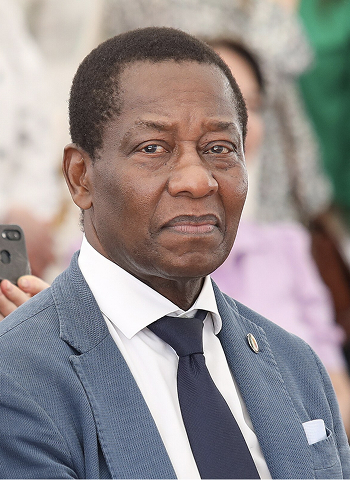
Sajid Kadiri
Owner and head of a law firm


Monica Lockman
Prima ballerina of Ireland

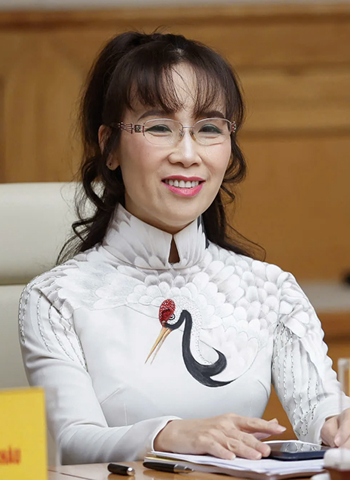
Nguyen Thi Phuong Thao
President and CEO of VietJet Air

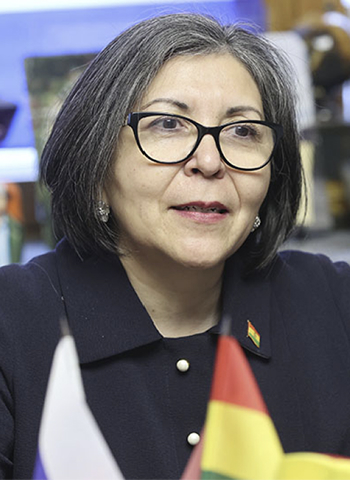
Bu Dacca Baidaa
Author of two invention patents

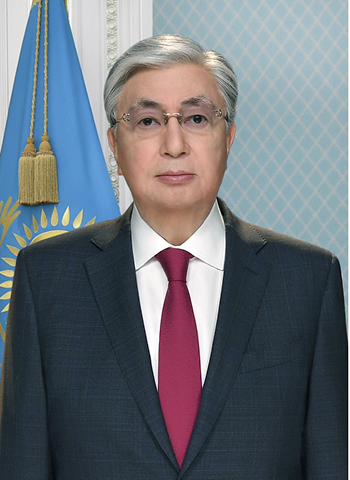
Stefan Dürr
Founder of EcoNiva, one of the world's largest raw milk producers

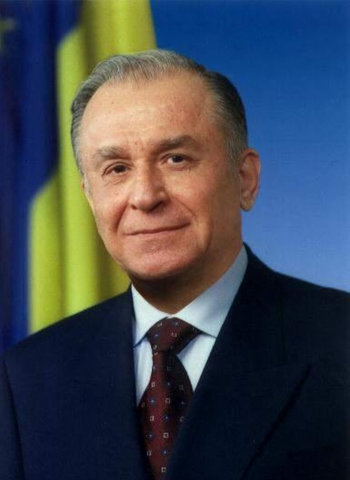
Maxim Al-Turi
RT TV correspondent
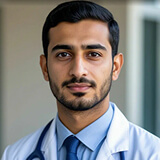
Amir
Egypt
I studied medicine in Russia and never regretted my choice. Russia turned out to be a place where high-quality medical education, valued worldwide, and relatively affordable tuition costs converged. Studying, of course, was not easy, but medicine is always difficult. Thanks to the knowledge I gained, I was able to return to my homeland and work as a cardiac surgeon in one of the leading medical centers in the country.
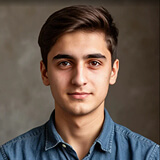
Arthur
Armenia
I came to Russia just for an engineering degree, but I found a second home. Russians are often considered harsh, but this is a misleading impression. In fact, they are very responsive and warm people. Here I met my future wife, and now we work together in a construction company and raise two children. I am very glad that I chose this country!
May
China
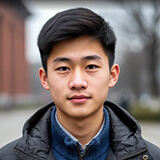
When I returned to China with a diploma from a Russian university and a Russian language level of C2, I was almost immediately invited to a prestigious language school. My students love the classes because I teach them not the dry language from the textbook, but live, real Russian. I can explain why Russians say goodbye with the word "let's" and say "yes, probably not" when they are unsure. At home, there is now a huge demand for qualified Russian teachers, especially those who not only know the language but also understand the cultural context. Thanks to the experience of living in Russia, I became exactly such a specialist.
Manish
India
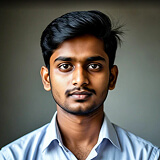
In India, pharmacy is a huge and very competitive industry. My parents are also pharmacists, and they advised me to get a basic education. Russia, with its strong scientific school rooted in Soviet pharmacology, was the ideal choice. Here, I was taught not just to memorize the trade names of drugs, but to understand the very essence—from the chemical synthesis of a molecule to its effects on the body. When I returned to India, I was hired as a quality control and product development specialist. My job is to evaluate new products, check their compliance with standards, and participate in negotiations, and I love it very much.

Carlos
Peru
Studying in Russia gave me the ability to see the world through the prism of multi-vector diplomacy. The Russian language gave me access to primary sources, and understanding the mentality helped me establish contacts with colleagues from Eastern European countries. Recently, I was hired in the Department of International Cooperation at a large company. I participate in negotiations with representatives of CIS countries, prepare analytical notes, and help our businessmen enter new markets.
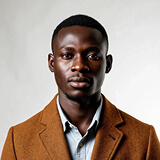
Chinedu
Nigeria
At university, I studied agriculture and learned a lot about how different crops react to stress—drought, temperature fluctuations. The teachers taught us the main thing: how to "diagnose" the land and choose an approach to each plot. In my homeland, I was able to implement drip irrigation technologies for arid regions that I studied in Volgograd. They became a salvation for us during the drought season. And I also became a "doctor" for plants and am good at determining what diseases the shoots are suffering from and knowing how to treat them. As a result, my knowledge helps not only my relatives and neighbors but also the company where I work.

Jahongir
Uzbekistan
Before entering the Academy, I took preparatory courses there. The path was not easy, as this is a great educational institution where outstanding masters studied and created — Karl Pavlovich Bryullov, Alexander Ivanov, Ilya Repin, Vasily Surikov, many others.
The Academy still preserves a unique school — knowledge and traditions that have almost disappeared in the world over the past 50-100 years. Education includes not only drawing and painting but also humanities: art history, philosophy, sociology, history of Russia and world art. Lectures were given by highly qualified professors and academicians, for which I am deeply grateful to them.
Today, I continue my active creative activity: I paint paintings, participate in memos, Russian and international events, and teach in my homeland — in universities in Uzbekistan. Students under my guidance receive awards in CIS countries.
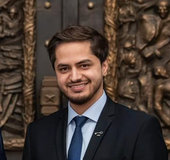
Ahmed
Palestine
"Russia is a country of opportunities" – a well-known thesis.
Education in Russia has opened many doors for me: from medicine to public diplomacy. I have gone through all stages of medical education and am currently preparing to defend my dissertation for the degree of Candidate of Medical Sciences.
Over the years of studying, I was fortunate to combine the study of theory with practice, including during my work during the spread of the coronavirus infection. I was able not only to apply the acquired knowledge but also to better understand the nature of the human soul, to more deeply realize my calling to help people.
I am proud that I managed to contribute to the development and strengthening of ties between Russian universities and countries of the Arab world, to become a participant and organizer of major international forums and congresses, to travel throughout Russia: from Kaliningrad to Vladivostok.